
New AI Ball Spin
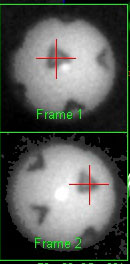
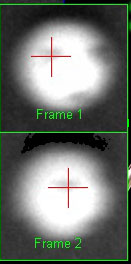
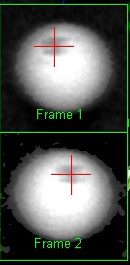
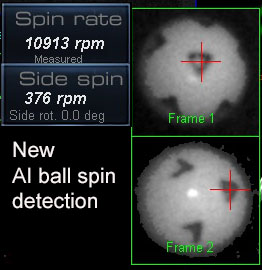
As of CP version 10.4.9.8
new AI methods of detecting back and side spin are being used.
As such, no specific adjustments have to be made
Even with ridiculously out of focus and big motion blur images of the ball in flight,
the method can still detect the markings on the balls and detect spin.

Selecting the Ball Spin Detection method
Please note:
Ball spin detection is now only performed with the system using TMPix balls.
All other methods have now been removed.
Main reasons are that
1. In contrast to using the ball logo, no matter what ball in flight frames are used to calculate the spin, there are always 2 frames showing the Pix images
2. In contrast to launch monitor proprietary balls with spin dots on them, TaylorMade Pix balls are readily available in any golf store for a regular ball price
Taylor Made PIX balls
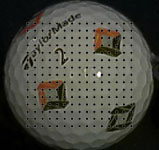
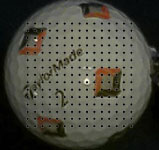

Note that the VisTrak systems require that the camera shutter speed has to be at or below 3s00 micro seconds
if ball spin is to be measured and not calculated.
Side Spin
Note: When the system is unable to determine side spin from marked balls,
then side spin is calculated from the relative club face angle to path and not just from the face angle itself.
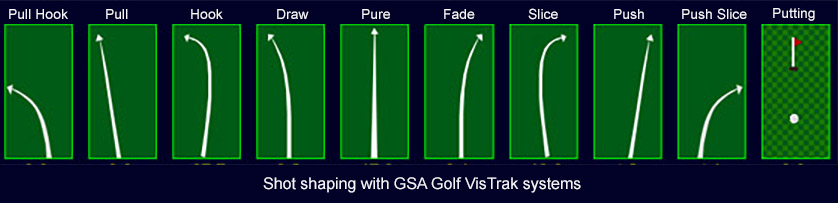
Examples:
1.Draw
If club path is 10 degrees in-to-out and face angle is 5 degrees open, then relative club face angle is -5 degrees closed
which results in a negative side spin and the ball will curve back left after starting off right (i.e. a draw)
2. Pull draw
If club path is 10 degrees in-to-out and face angle is -5 degrees closed, then relative club face angle is -15 degrees closed
which results in a negative side spin and the ball will curve left after starting off left (i.e. a pull-draw)
3. Push
If club path is 5 degrees in-to-out and face angle is 5 degrees open, then relative club face angle is zero degrees
which results in a zero side spin and the ball shot is a straight push right
3. Fade
If club path is 0 degrees and face angle is 5 degrees open, then relative club face angle is +5 degrees
which results in a positive side spin and the ball shot is a curve to the right after starting out straight
3. Push Fade
If club path is 10 degrees in-to-out and face angle is 15 degrees open, then relative club face angle is +5 degrees
which results in a positive side spin and the ball shot is a curve to the right after starting out right
VisTrak EVi / LX2
Ball Spin Detection from the Side camera
Note that no additional lighting is required with the LX2 and EVi (near) systems as the light source is very close to the ball
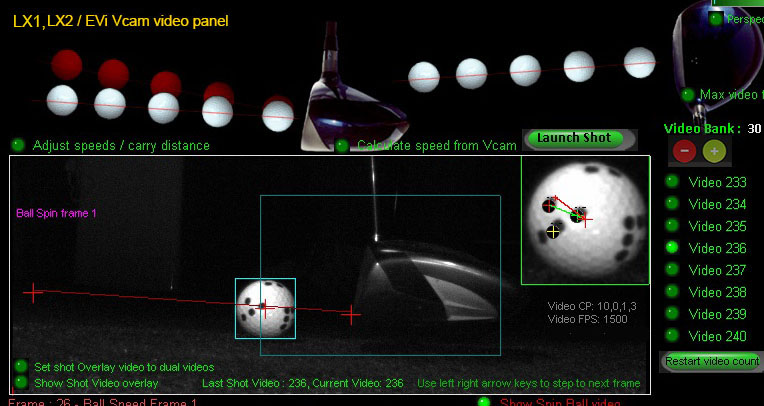
The default camera exposure time for the LX2 Vcam is just 50 micro seconds
New spin detection method for side mounted camera systems (i.e. EV and LX)
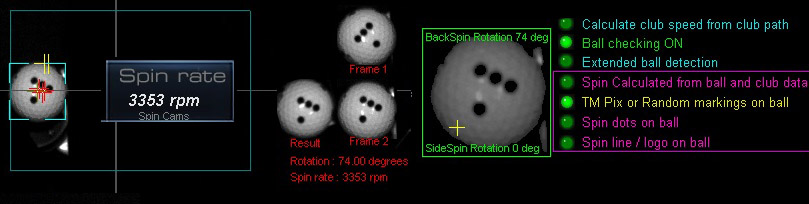
The method consists of rotating ball spin frame 1 in single degree steps and comparing it to the ball spin image 2.
A best match test is performed which returns the amount of rotation between the two frames.
Knowing the amount of rotation and the time taken, accurate ball spin can be calculated.
Note that any ball markings can be used.
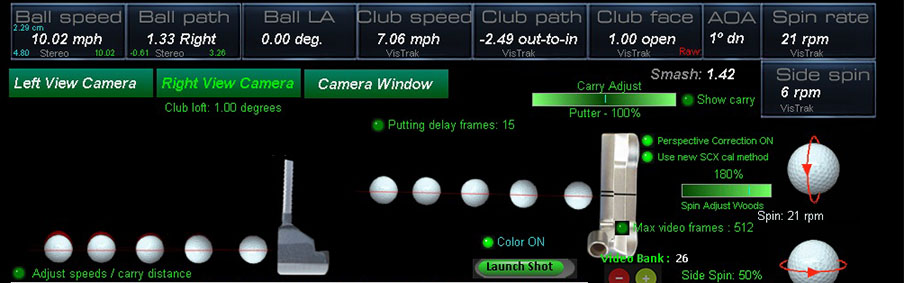
Ball spin for Putts
Measured ball spin when putting is done without the requirement to use ball markings.
Spin Dot / Ball Logo Detection issues
In order to detect the spin dots on the ball or ball logos, the images should be sharp and clear.
In order to achieve this, the camera exposure time has to be fast (i.e. around 150 us) with bright lighting.
If the exposure time is too long (i.e. 300 us plus) then image blur will occur and the dots or markings
on the ball will appear faint or washed out.

Click above to read more about ball spin detection theory...
Ball Spin Adjustments
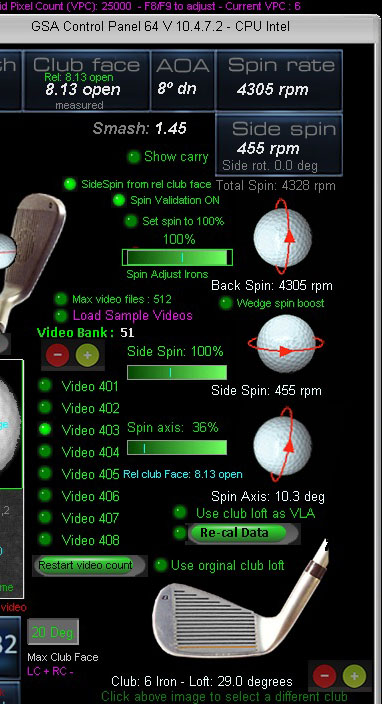
Use the spin slider bars in the "Shot Videos" panel to adjust all spin parameters.
Defaults are 100%
The sliders appear when moving the mouse over to the right side of the panel.
Note that back spin adjustments are separate for irons and woods
Click on the club image to select either an iron or a wood (drivers or Hybrids).
Comparison Ball spin video playback images
with ProTee VX, Apogee and Uneekor QED
ProTee VX
$ 6,499
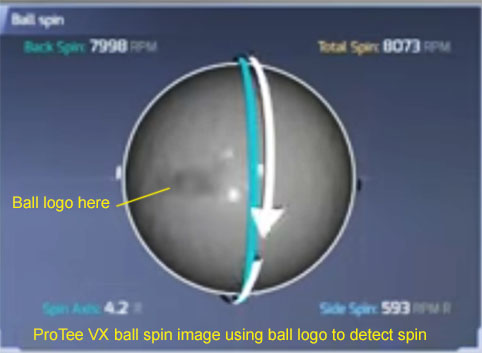
The ProTee VX is using the ball logo or any marking on the ball to detect spin
Even though the ball logo appears very faint, all test reports say the method produces very accurate spin rate detection
Uneekor QED
$ 7,000
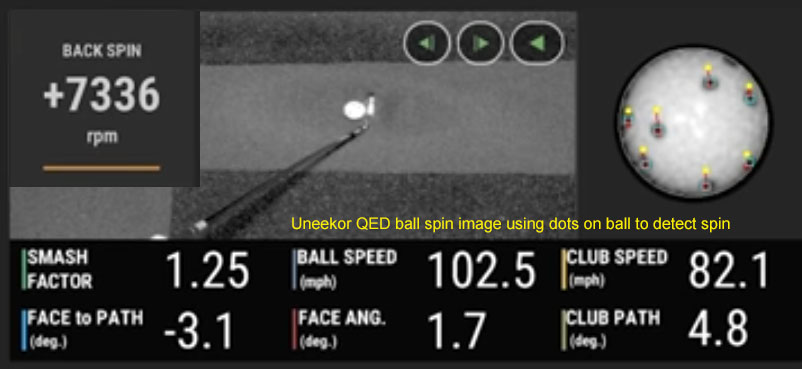
The Uneekor QED is using balls with dots on them to detect spin
The yellow dots show where the black dots on the ball were in the previous frame.
The distance and direction the dots move between frames is used to calculate the back and side spin rates.
TruGolf Apogee
$ 9,000
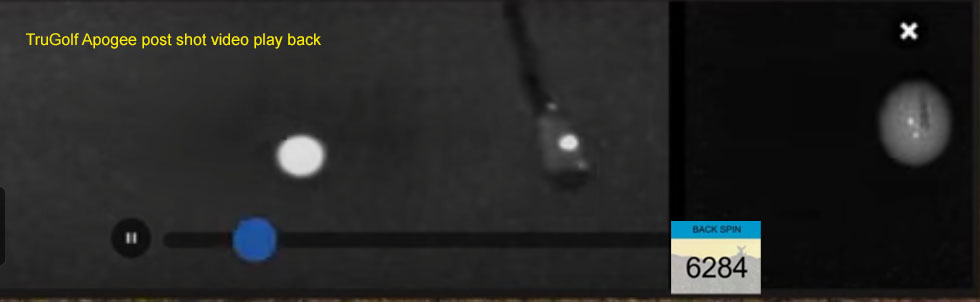
Based on the above Apogee low resolution post shot video playback image,
I have no idea how the Apogee captures all the club data (face angle, path and speed) using just one dot
plus all ball spin parameters (i.e. back and side spin)
GSA Golf VisTrak SCX
from
$ 1,699



 Home
Home Products
 Cameras
 Software
 Enclosures
 ProTee
 E6 Courses
 Tech News
 View Cart